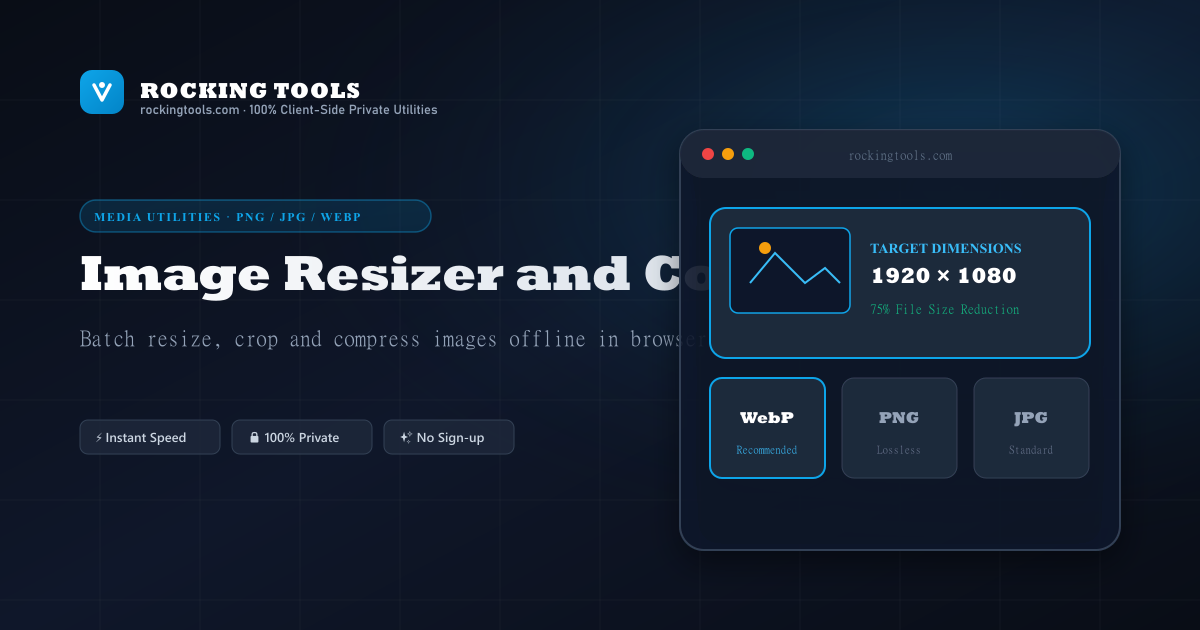
Complete Guide to Client-Side Image Optimization
Optimizing web images is crucial for website speed, mobile performance, and Search Engine Optimization (SEO). Uncompressed images are the single largest contributor to slow page load times on the web.
Why In-Browser HTML5 Canvas Compression Wins
- 100% Data Confidentiality: Personal photos, medical scans, business documents, and unreleased designs stay completely private on your machine.
- Zero Bandwidth Latency: No waiting for multi-megabyte files to upload over slow internet connections or queue on busy cloud servers.
- WebP & Modern Format Conversion: Effortlessly convert heavy PNGs or JPEGs into optimized WebP images for fast Core Web Vitals performance.
Popular Image Resizing Presets & Sizing Tools
Need exact pixel dimensions for social media or documents? Use our instant dedicated resizing presets:
Exact 2×2 inches (51×51 mm) at 300 DPI for US passport, visa, and ID cards.
Resize for square feed posts (1080×1080), portrait (1080×1350), and Stories (1080×1920).
16:9 standard video thumbnail resolution compressed under the 2MB YouTube limit.
Square profile avatar and 1584×396 cover banner image sizing.
Header banner (1500×500) and in-stream single photo post dimensions.
News feed image posts (1.91:1) and desktop cover photo dimensions (820×312).
Reduce image file size for government forms, email attachments, and job portals.
High-resolution print size converter for standard 2×2 inch photo prints.
Frequently Asked Questions
Are my photos or images uploaded to any server?
No. All image resizing, HTML5 canvas rendering, and WebP/JPEG compression happen 100% locally in your web browser. Your images never leave your computer or phone.
Which image formats are supported for compression?
You can upload and compress PNG, JPEG/JPG, WebP, SVG, GIF, and BMP files.
Why should I convert images to WebP format?
WebP offers 25–35% smaller file sizes compared to JPEG and PNG at equivalent visual quality. It is natively supported by all modern browsers and improves page load speed.
Does resizing an image reduce its file size?
Yes. Lowering pixel dimensions (e.g. from 4000px to 1200px) or lowering quality compression percentage significantly reduces file size for web publishing.
Is there a file size limit or daily usage cap?
No file size limit and no daily caps! Since computation runs on your local CPU instead of a server, you can process high-resolution images as fast as your device permits.