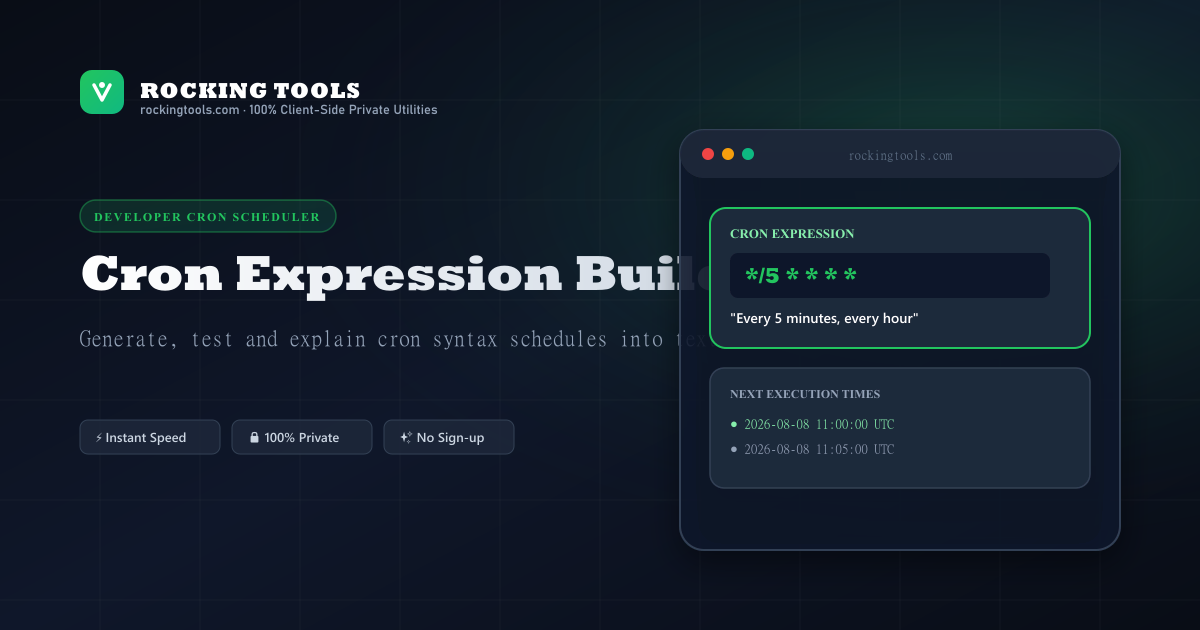
Standard 5-Part Cron Expression Syntax Guide
Cron is a time-based job scheduler in Unix-like operating systems. Each line in a crontab file specifies a schedule followed by a command.
Field Syntax Breakdown
* * * * *=[Minute] [Hour] [Day of Month] [Month] [Day of Week]*= Any value / every interval,= Value list separator (e.g.,1,15,30)-= Range of values (e.g.,1-5)/= Step values (e.g.,*/15for every 15 units)
Popular Cron Schedules & Expressions
Jump directly to pre-configured cron expressions with plain-English breakdowns:
Run tasks at 5-minute intervals for API polling and webhook triggers.
Quarter-hour intervals for cache warmups and queue batch processing.
Hourly execution at the top of the hour (minute 0) for metric aggregation.
Daily maintenance, log rotation, and automated database backups at 00:00.
Midday triggers for lunch digest emails and daily report summaries.
Weekly newsletter dispatches and weekly credit/quota resets.
Business day schedule running Monday through Friday at 9:00 AM.
Monthly recurring subscription billing and quota allocation renewal.
Frequently Asked Questions
What are the 5 fields of a standard crontab expression?
Standard crontab expressions consist of 5 fields: Minute (0-59), Hour (0-23), Day of Month (1-31), Month (1-12), and Day of Week (0-6).
What does */5 * * * * mean in cron?
It schedules a task to run every 5 minutes.
How do I run a cron job at midnight every day?
Use the cron expression `0 0 * * *`.