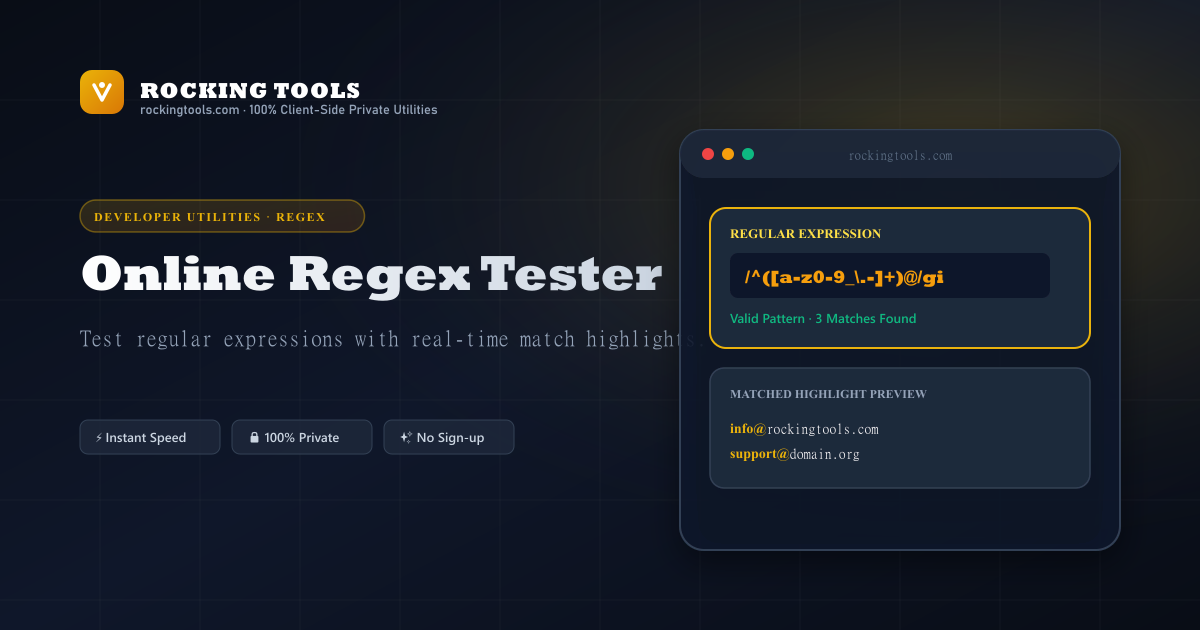
Complete Regular Expression Syntax Guide
Regular expressions (Regex) are powerful pattern-matching strings used across software engineering, data cleaning, logs analysis, and web scraping.
Common Pattern Syntax Cheatsheet
^/$— Start and end of line anchors.[a-zA-Z0-9]— Character set matching any single alphanumeric character.[^0-9]— Negated character set (matches anything except digits).(group)— Capturing group for substring extraction.(?:group)— Non-capturing group.(?=...)/(?!...)— Positive and negative lookahead assertions.
Regex Flags Reference
g(Global): Don't return after first match; find all occurrences.i(Insensitive): Case-insensitive matching.m(Multiline):^and$match start/end of each line.s(DotAll): Allows dot (.) to match newline characters.
Popular Regular Expression Patterns
Test and copy validated regex patterns for common input validation tasks:
Validate email addresses with username, domain, and modern TLD checks.
Matches phone numbers with optional parentheses, hyphens, dots, and country codes.
Validate website links, port numbers, query strings, and path parameters.
Enforce 0-255 octet boundaries for standard dotted decimal IP addresses.
Validate ISO date strings with valid month (01-12) and day (01-31) ranges.
Enforce uppercase, lowercase, numbers, and symbols with positive lookaheads.
Validate standard 128-bit universally unique identifiers and database keys.
Match 3-digit and 6-digit CSS hexadecimal color notation codes.
Frequently Asked Questions
Which regex engine flavor does this tester use?
This tool uses native ECMAScript (JavaScript ES2024) regular expression syntax with support for standard flags: global (g), case-insensitive (i), multiline (m), dotAll (s), unicode (u), and sticky (y).
What do \d, \w, and \s match in Regular Expressions?
`\d` matches any digit (0-9), `\w` matches any word character (letters A-Z, numbers 0-9, and underscore _), and `\s` matches whitespace (space, tab, line break).
What is the difference between greedy and lazy matching?
Greedy matchers (`*`, `+`) expand to match as much text as possible. Adding a question mark (`*?`, `+?`) makes them lazy, matching as few characters as possible.
How do I validate an email address using Regex?
A standard email validation pattern is: `^[a-zA-Z0-9._%+-]+@[a-zA-Z0-9.-]+\.[a-zA-Z]{2,}$`
Is my input text or pattern sent to a server?
No. All regex matching, substring evaluation, and group parsing execute 100% locally in your browser JavaScript thread. Your data is completely private.