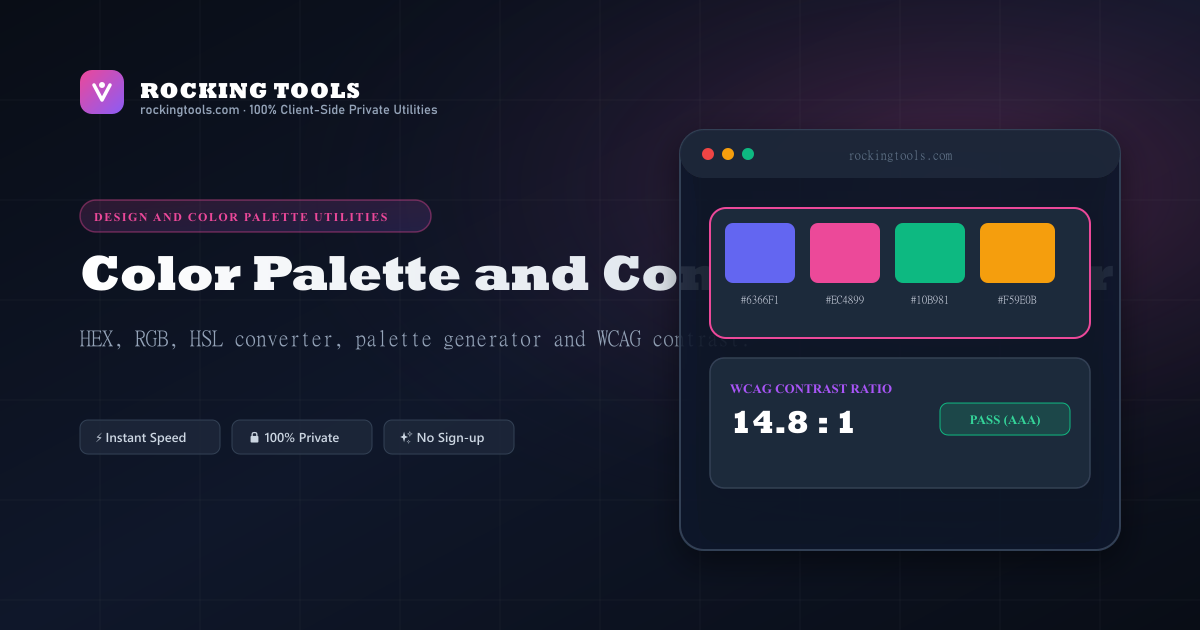
Professional Color Tools for Designers & Developers
Color is one of the most powerful tools in design. Rocking Tools provides two complementary color utilities in one place — a precise color picker and an intelligent palette generator — both running locally in your browser with zero uploads or tracking.
Color Picker Features
- Native OS Color Picker: Click the swatch to open your operating system's built-in color chooser
- Synchronized Inputs: Edit HEX, RGB (R/G/B channels), or HSL (H/S/L channels) — all update in real time
- All Output Formats: HEX, RGB, HSL, HSV, and a CSS variable snippet — each with an individual copy button
- Shade Strip: 9 lightness variations from 10% → 90% L, clickable to set the active color
Palette Generator Features
- Complementary: The exact opposite hue on the color wheel — perfect for high-contrast duos
- Analogous: Five colors spanning 120° of the color wheel — natural and harmonious
- Triadic: Three colors evenly spaced at 120° — vibrant and balanced
- Tetradic: Four colors at 90° intervals — rich, complex palettes
- Monochromatic: Five tones of the same hue at different lightness levels — clean and professional
Color Export Options
- CSS Variables: Outputs a
:rootblock with--color-Ncustom properties — works in any CSS project - Tailwind Config: A
colors:object with named keys — paste directly intotailwind.config.js - JSON Array: A plain
["#hex1", "#hex2"]array — for programmatic use or documentation
Dedicated Color Converters & Palette Tools
Jump directly to specialized color space converters and palette generators:
Convert 6-digit hexadecimal color codes to RGB/RGBA decimal values.
Convert RGB decimal values (0-255) to clean 6-digit #RRGGBB strings.
Convert HEX codes to Hue, Saturation, and Lightness degrees & percentages.
Generate harmonious 5-color palettes with 1-click Tailwind and CSS export.
Calculate the 180° opposite color on the color wheel for high-contrast CTA accents.
Frequently Asked Questions
Which color formats does the picker support?
HEX, RGB, HSL, and HSV. All formats stay synchronized in real time — editing any one input (or using the native color picker swatch) instantly updates all the others.
What palette harmony modes are available?
Five modes: Complementary (2 colors, 180° apart), Analogous (5 colors, ±30°/60°), Triadic (3 colors, 120° apart), Tetradic (4 colors, 90° apart), and Monochromatic (5 lightness variations of the same hue).
How do I export a palette for my project?
The Export panel below the palette offers three formats: CSS Variables (a :root block with --color-N variables), Tailwind Config (a colors: {} object ready to paste), and JSON (a plain array of HEX strings). Click "Copy Code" to copy the full snippet.
What does the Randomize button do?
It generates a random aesthetically pleasing base color using the HSL model — high saturation (60–90%) and mid-range lightness (40–60%) — then immediately re-generates the palette in your selected harmony mode.
Is any color data uploaded or shared?
No. All color conversion math and palette generation runs in JavaScript directly in your browser. Nothing is sent to any server — your colors stay completely private.